Treat an AI-assisted draft as “Needs review” until you have checked its meaning, facts, voice, privacy and platform fit. Revise what is weak, hold what you cannot verify and record why the exact version is approved. Smooth writing is not evidence that a business claim is true or that the content is ready to publish.
You do not need a complicated scoring system to begin. Put the draft beside its brief and use the five checks below. Keep a short review note with the file so an old version cannot quietly become the approved one.
OpenAI's guidance explains that ChatGPT can produce incorrect facts and fabricated references while sounding confident. It recommends checking important information against reliable sources. The practical consequence for a business owner is to inspect the claim and its support, not the confidence of the wording. OpenAI Help Center, Does ChatGPT tell the truth?, accessed October 19, 2026.
Check that the draft answers the question you approved
First compare the draft with the customer question and finish line in your brief. What should the reader understand or be able to do? Underline the sentence that delivers that answer.
If you cannot find it, the draft needs work even if every sentence sounds polished. A post about preparing for a first consultation should help someone prepare. A long description of your business may be accurate but still fail that assignment.
Check the scope as well. Did the draft turn a limited recommendation into a universal rule? Did it add technical instructions you did not supply? Move the useful answer near the beginning and remove material that serves a different reader problem.
Do this before polishing individual words. Otherwise you can spend time improving sentences that do not belong in the piece.
Verify claims against sources you can inspect
Mark every number, comparison, guarantee, quotation, credential, price, deadline and statement about results. Also mark factual instructions whose accuracy matters to the reader. These deserve more attention than a general suggestion such as keeping a list of customer questions.
For each important claim, record the source and what it actually supports. A service description can establish what your business currently offers. It cannot establish an increase in a customer's revenue. A source about one product or situation may not support a statement about every alternative.
Open the cited source. Check the relevant passage, date, context and limitations. Asking the same assistant whether its answer is correct does not replace examining the underlying evidence.
When support is missing, choose among three corrections: remove the claim, narrow it to what the source supports, or hold the draft while you obtain the necessary information. Do not replace an unsupported number with a vaguer promise that implies the same result.
Make the language sound like your real explanation
Read the draft aloud. Compare it with how you would explain the subject to a customer. Replace inflated claims and vague phrases with the practical distinction the reader needs.
“Our innovative approach transforms your workflow” says little about what happens. “Start with one work area and decide what needs to stay there” gives the reader an action. The second sentence still needs to fit your actual method, but it is inspectable.
Keep your own useful terminology when it helps the reader. Remove language you would need to defend or translate in an ordinary conversation. Check that editing has not changed a careful explanation into a guarantee.
Remove information you are not entitled to share
Review names, photographs, contact details, locations, documents and case details. Ask whether they are necessary and whether you have the appropriate authorization to use them in this public context.
Removing a name alone may leave a person or client recognizable through other details. Where a real example is unnecessary, use an explicitly illustrative example instead. Do not present a composite or hypothetical scenario as a customer testimonial.
Check the files you supplied to the assistant as well as the output. Editing a private detail out of a public draft does not undo its earlier disclosure to a tool. For this practice, use approved, non-confidential input from the start.
Verify the format and the next step on the actual destination
Now review the intended channel. Is the piece understandable at the likely screen size? Are the paragraphs and any visual readable? Does the link lead to the resource the words promise?
Inspect the complete destination, not only the link's appearance. If a post promises a free on-demand workshop, the destination should describe that offer accurately. A caption URL should not be treated as a working clickable route without checking the channel's actual behavior.
Keep scheduling separate from review. A draft can be approved while its date, account or link still needs verification. In the CSL practice exercise, record the intended account, date, time and time zone, then stop before submitting a real publication or schedule.
An illustrative revision removes the unsupported promise
Illustrative example only. This is a fabricated draft for a hypothetical workspace-organizing service, not a customer case or a statement about any real business.
Draft: “Every client doubles their productivity after one visit. Our guaranteed system fixes any office in 48 hours. See the photos from our client's private workspace.”
The factual review finds unsupported outcome and timing claims. The privacy review finds a proposed client disclosure without established permission. The meaning review finds no explanation of what a reader should do first.
A teaching revision could be: “Choose one work area and list the tasks it needs to support. Separate the items needed for those tasks from items that belong elsewhere. Before sharing a workspace photo, check what it reveals and whether you have permission to share it.”
That revision does not prove a particular service works. It replaces a promotional promise with a bounded exercise. The actual business owner would still need to confirm that the advice reflects their method and that the finished format fits the destination.
Save the decision with the exact version you checked
Choose “Needs review,” “Revise” or “Approved.” If an unresolved factual or permission issue prevents release, record it explicitly as a hold. Write one sentence explaining the decision and the next action.
For practice, check one draft, inspect one material claim and improve one unclear passage. Save the revised version and its review note together. Your self-check is whether another reviewer can identify what changed, what supports the claim, what remains unresolved and which exact file has approval.
For guided practice, register for the free workshop. The on-demand workshop includes this review step, a practice guide and recordings you can pause while you work.
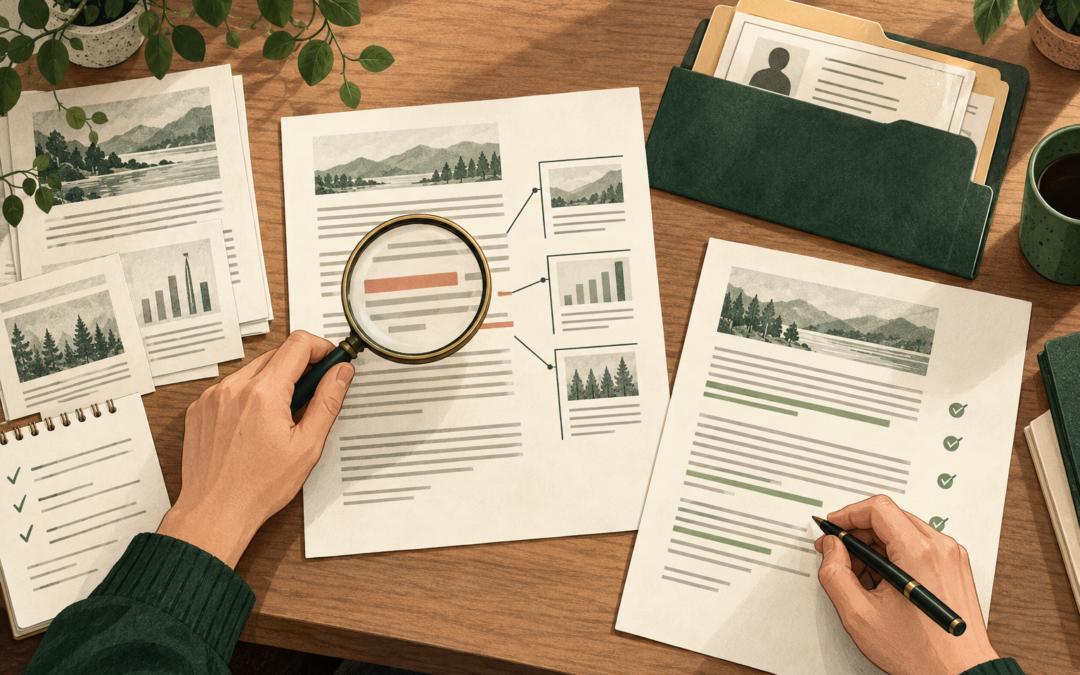
AI-generated featured illustration of editorial review, not an automated accuracy or privacy guarantee.